
What screenwriting partners actually need
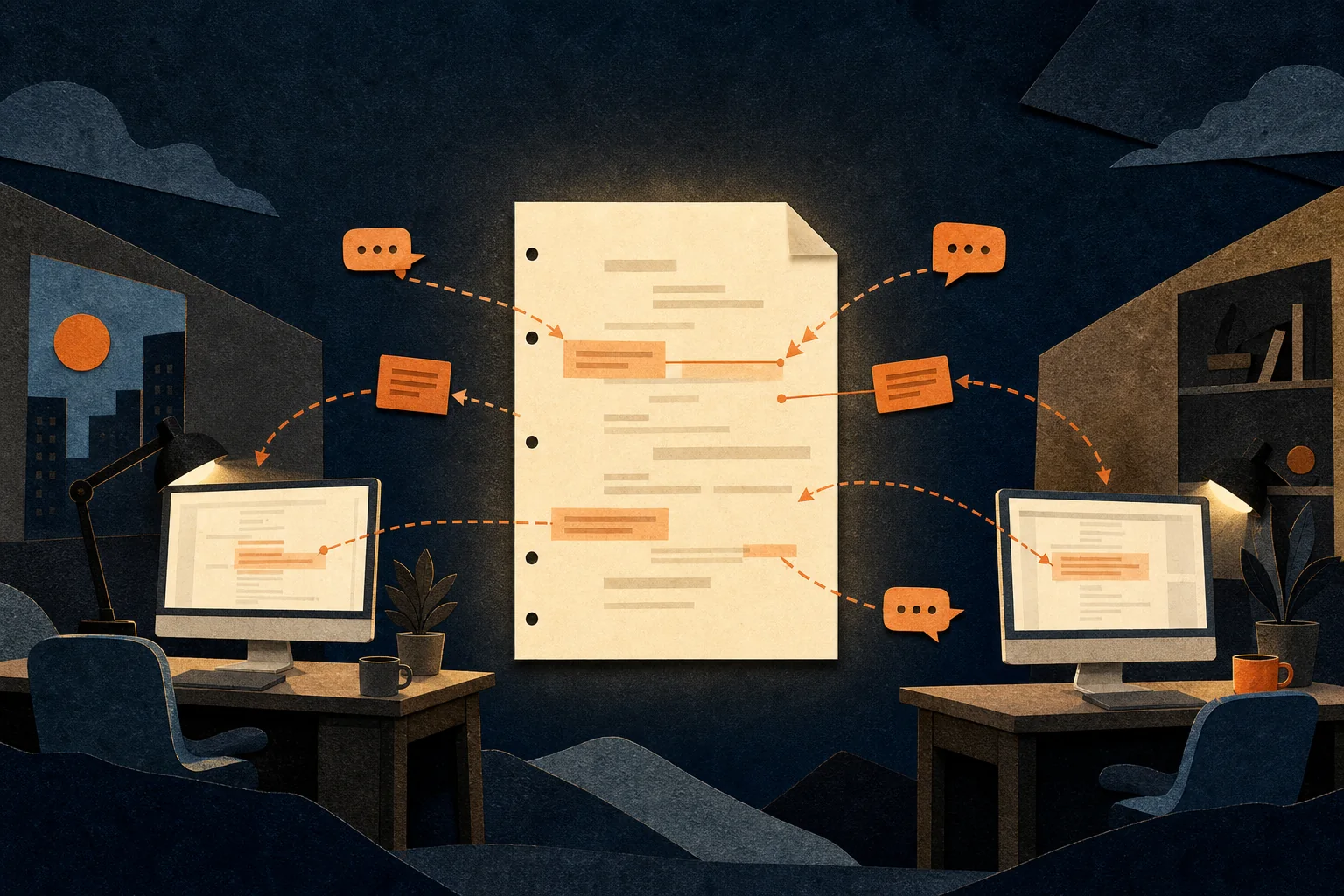
Collaborative screenwriting software must do more than place two cursors in a document. It needs to preserve screenplay formatting, make scene navigation fast, keep notes distinct from final text and reduce confusion about which draft is current.
ForgePad gives writers in different locations a shared screenplay, live editing and shared notes. The scene list, beat sheet, table reads and reports give partners common evidence when a disagreement is really about structure, pace or dialogue.
Choose the right collaboration model
Live co-writing
Both writers work in the same draft during a call or focused session. This is useful for breaking scenes, solving dialogue and making decisions quickly. It also needs etiquette: avoid editing the same sentence simultaneously and say what area you are moving into.
Scene ownership
Each writer takes responsibility for particular scenes or sequences, then the pair reviews them together. This creates momentum but requires a shared voice pass so the screenplay does not feel stitched together.
Writer and editor
One person drives the page while the other reads, questions and keeps notes. Swap roles regularly. This model works especially well during table reads and targeted rewrites because it separates generation from evaluation.
Asynchronous passes
Partners work at different times and communicate through notes. Establish when a pass begins and ends, and do not silently rewrite a partner’s active scene while they are away.
A remote screenplay collaboration workflow
- Agree on the source of truth. Name one shared project as the live draft and keep exported milestones as read-only records.
- Define the session outcome. “Fix Act Two” is too broad; “give Maya an active choice in scenes 26 to 30” is workable.
- Assign temporary ownership. One writer drives each scene while the other adds notes or watches the structure.
- Separate notes from script text. Questions and options belong in the notes area until the pair chooses a version.
- Read the changed sequence aloud. A table read quickly reveals voice drift and repeated information.
- End with decisions. Record what changed, what remains open and who owns the next pass.
- Export milestones. Preserve clear snapshots before major structural rewrites.
Collaboration gets faster when every disagreement becomes a testable question: which version makes the objective clearer, turns the scene sooner or sounds more like this character?
Features to compare in collaborative screenwriting software
- Screenplay-native formatting: live edits should not break character, dialogue or scene elements.
- Presence and live editing: partners need to know who is currently working.
- Shared notes: development questions should remain attached to the relevant scene.
- Reliable saving and recovery: connection issues must not turn into lost pages.
- Export: the team needs durable PDFs or portable screenplay files outside the collaboration service.
- Structure view: a shared beat sheet helps partners discuss the same story map.
- Playback: hearing the sequence makes differences in voice and rhythm concrete.
How to co-write a screenplay in ForgePad
- Open the ForgePad screenplay and invite or connect the writing partner through the collaboration workflow.
- Confirm both writers are in the same live draft.
- Use the scene list to assign a clear working area to each person.
- Keep alternatives and questions in shared notes until they are approved for the page.
- Use the visual beat sheet to resolve structural changes before rewriting multiple scenes.
- Run a table read on the combined work and listen for character-voice inconsistencies.
- Export a milestone copy after the session.
Collaboration FAQ
Can two people edit a ForgePad screenplay at the same time?
ForgePad’s listing shows live collaboration, live editing, shared notes and one common draft for writers working from different locations.
How do co-writers avoid overwriting each other?
Assign temporary scene ownership, communicate before entering the same block and export milestones. Technology helps, but a simple working agreement prevents most conflicts.
Should both writers rewrite every scene?
Not necessarily. Many partnerships divide drafting, then perform shared voice and structure passes. Choose a method that makes accountability clear without forcing duplicate work.
Same screenplay. Same moment.
Keep the draft, shared notes and the rewrite conversation together in ForgePad.
Co-write with ForgePad ↗