Write without wrestling the format
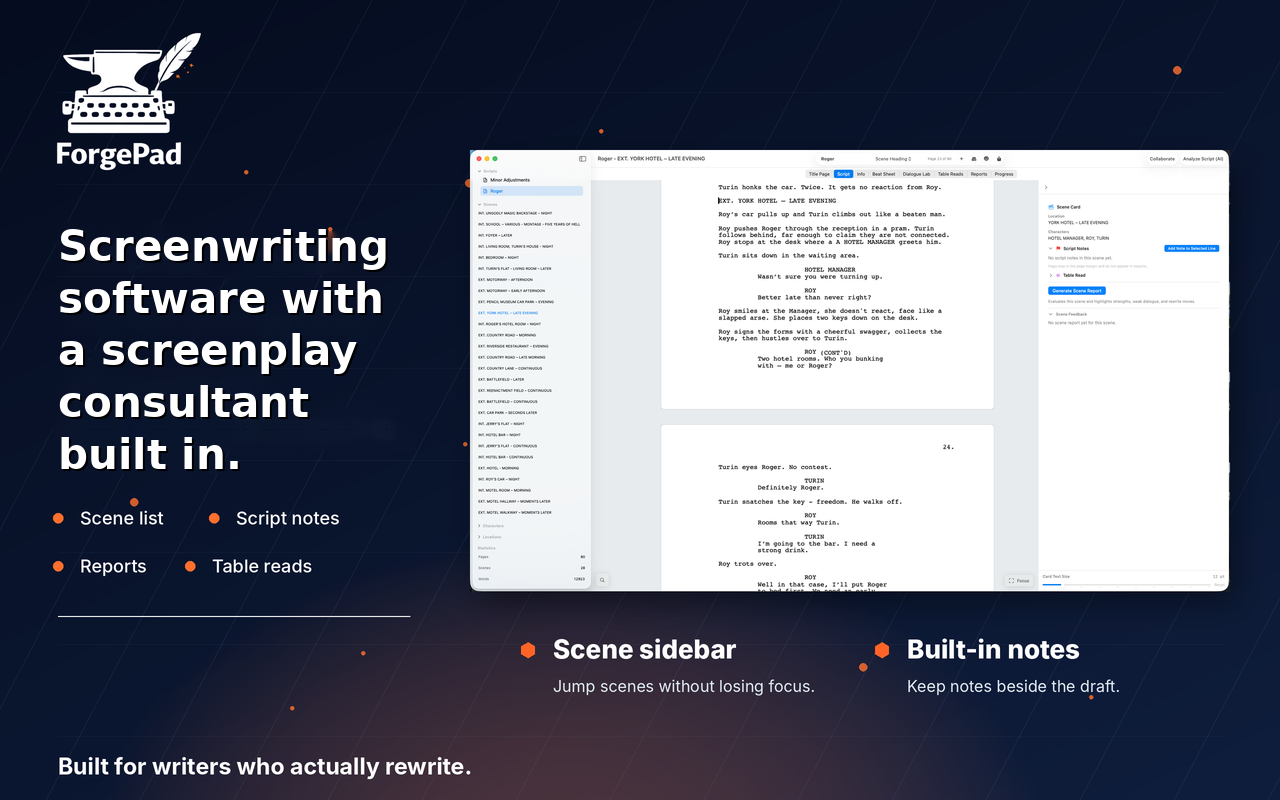
Move through scene headings, action, characters, dialogue, parentheticals and transitions in a screenplay-native editor.
Screenwriting software for Mac
Write in proper screenplay format. Map the story. Hear every scene. Get useful notes. ForgePad puts the entire rewrite loop inside one focused Mac app.
Free download · macOS 14 or later · In-app purchases

Available now
Start with a clean screenplay editor, then bring in beat sheets, notes, reports, table reads and collaboration when the draft needs them.
Open in the Mac App StoreInside ForgePad
The tools appear where the work happens: beside the scene, inside the rewrite and connected to the same screenplay.
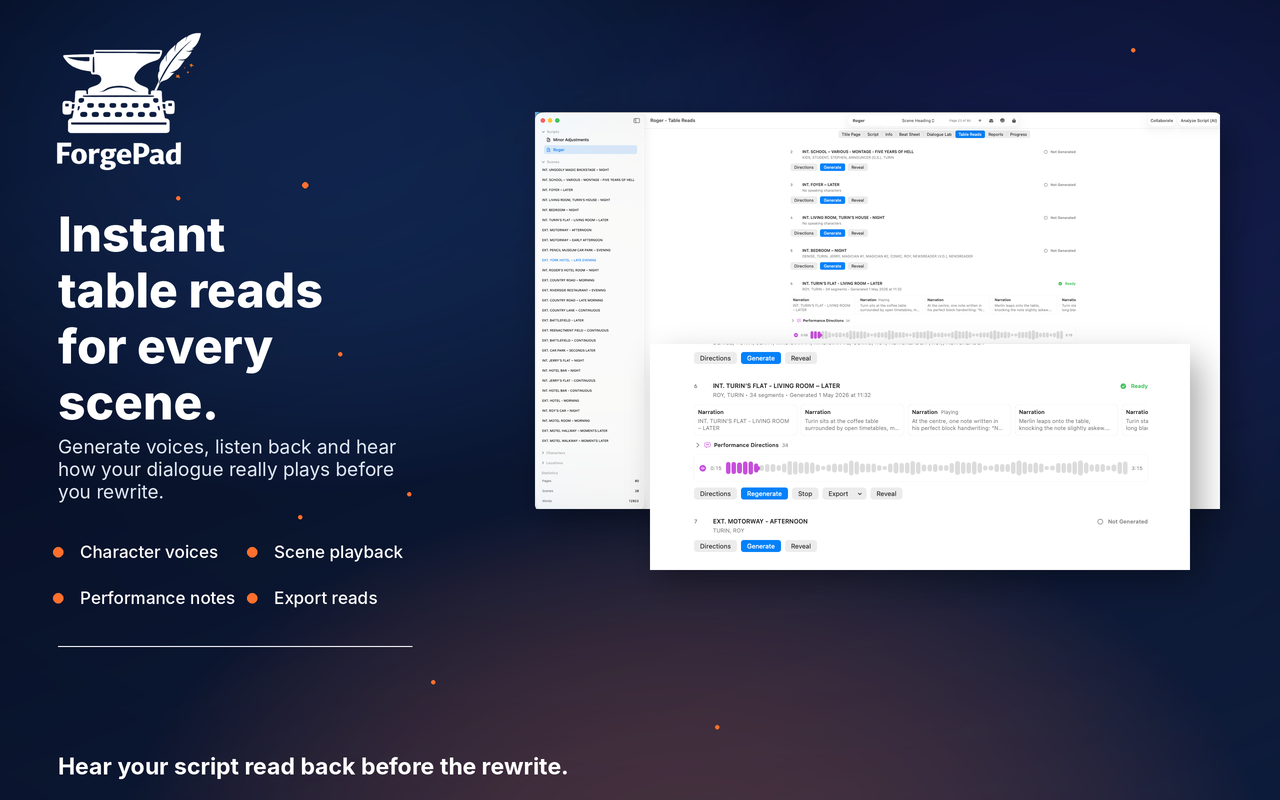

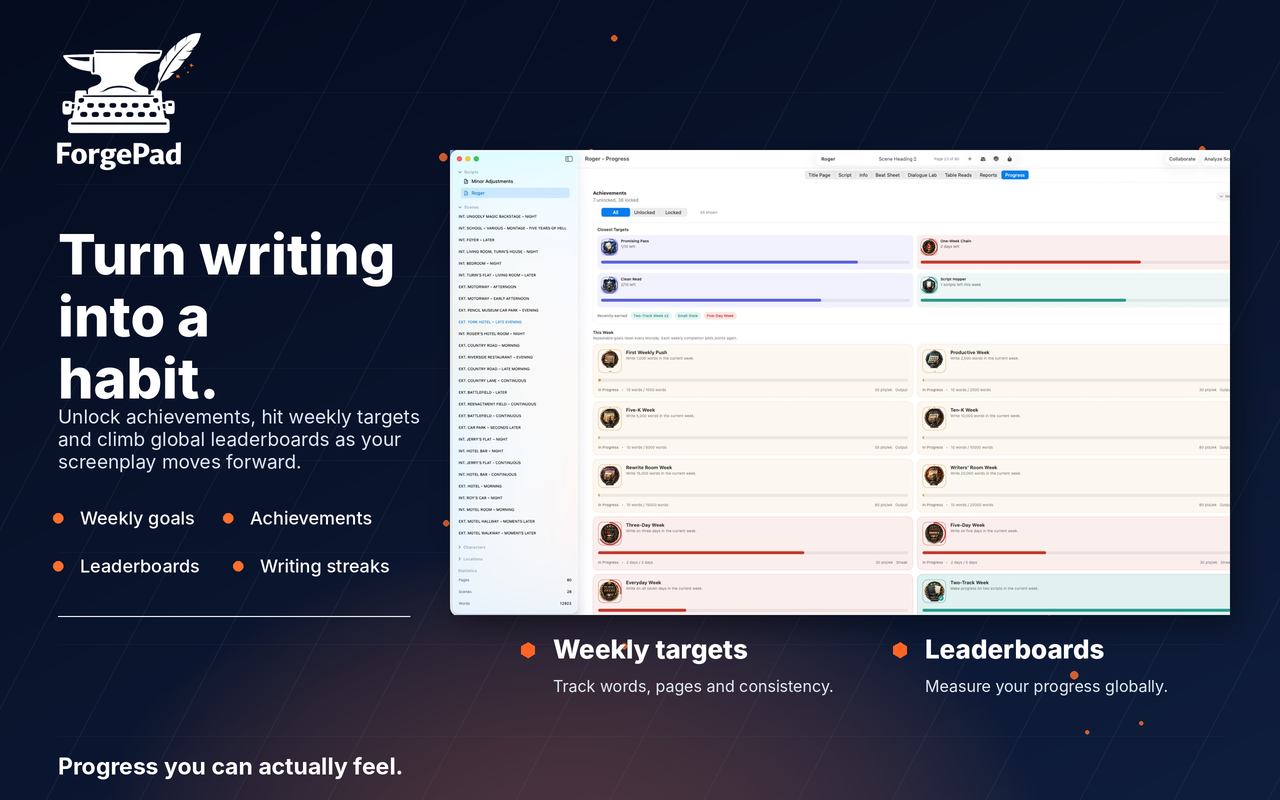
How ForgePad works
A practical loop built around how screenplays are actually made: writing, listening, testing and rewriting.
Move through scene headings, action, characters, dialogue, parentheticals and transitions in a screenplay-native editor.
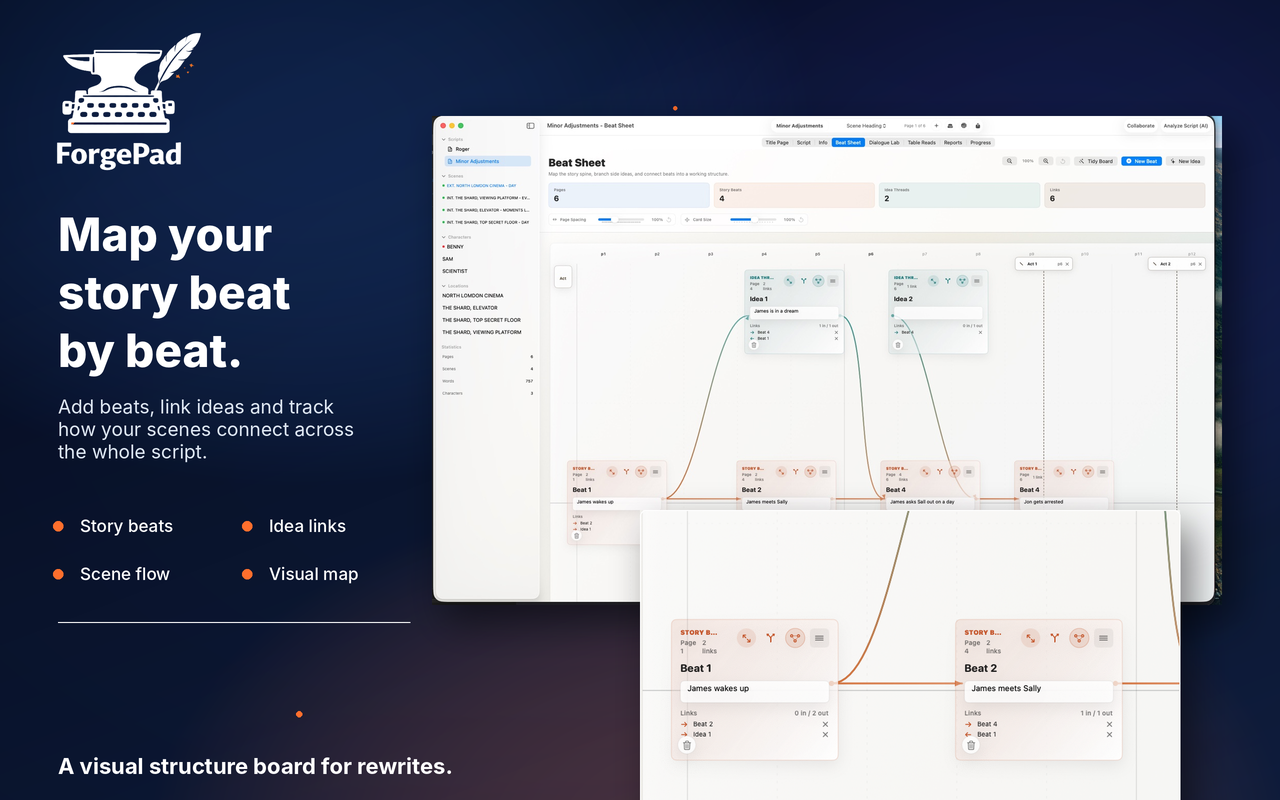
Build a visual beat sheet, connect ideas and keep the story’s movement visible before structural problems harden.
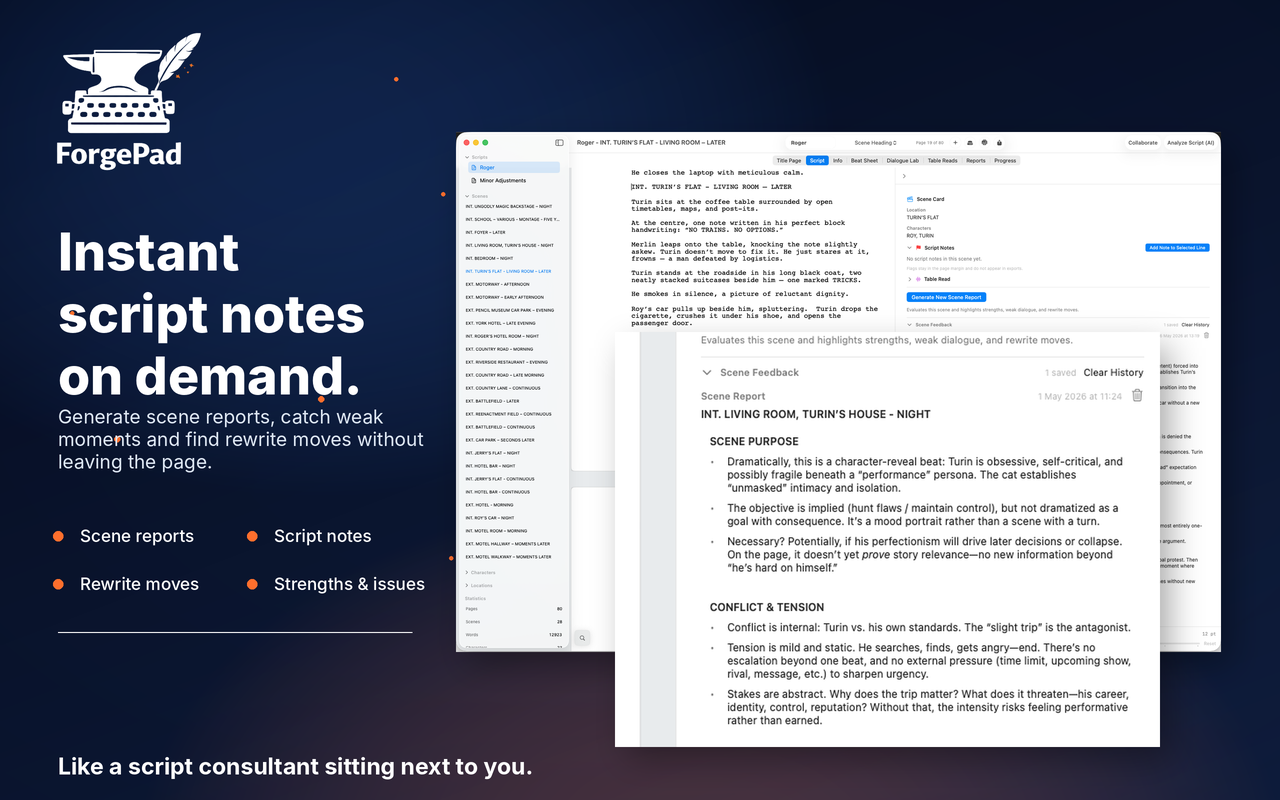
Run character-voice table reads and generate scene reports to expose flat dialogue, pacing issues and unclear purpose.
Keep notes beside the draft, collaborate live and turn feedback into deliberate changes, always under your control.
Screenwriter's field guide · 29 articles
Honest help for the writing life and the rewrite: finding a routine, getting affordable feedback, using ForgePad like a screenplay consultant and finishing the thing.
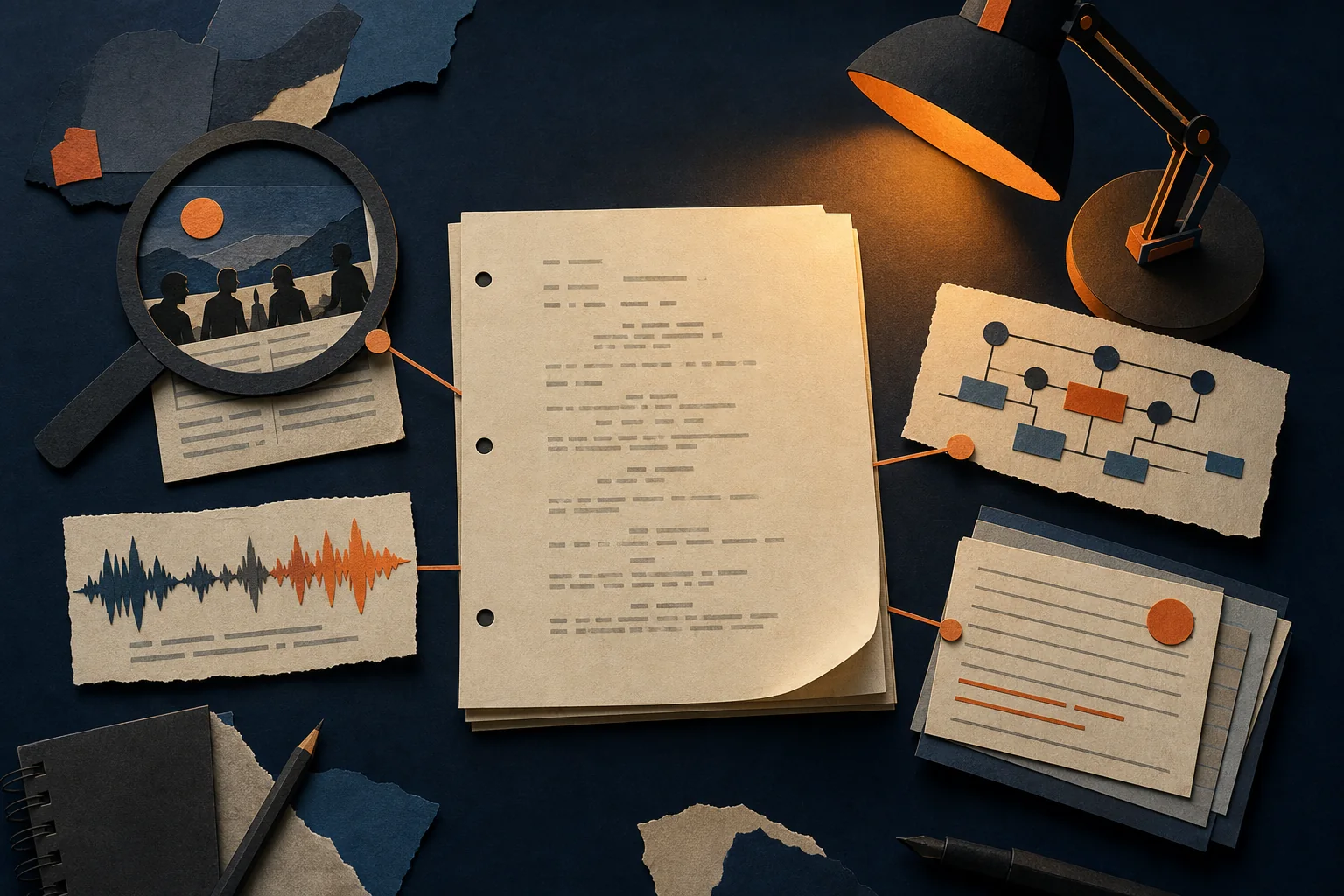 ForgePad & your draft
Use scene reports, beat mapping and table reads to ask better rewrite questions while every decision stays yours.
Read the guide → The cost of feedback
Why repeated reports become expensive and how to save paid human attention for the moments that need it.
Read the guide → Staying with it
Starting is loud. Continuing is quiet. A forgiving way through the slow middle.
Read the guide → The working life
A routine that respects limited time, tired evenings and the life you actually have.
Read the guide → Finishing
Protect forward movement and let the rough version reach its ending.
Read the guide → Setbacks
Let the no hurt, keep it specific and choose the next move when the temperature drops.
Read the guide →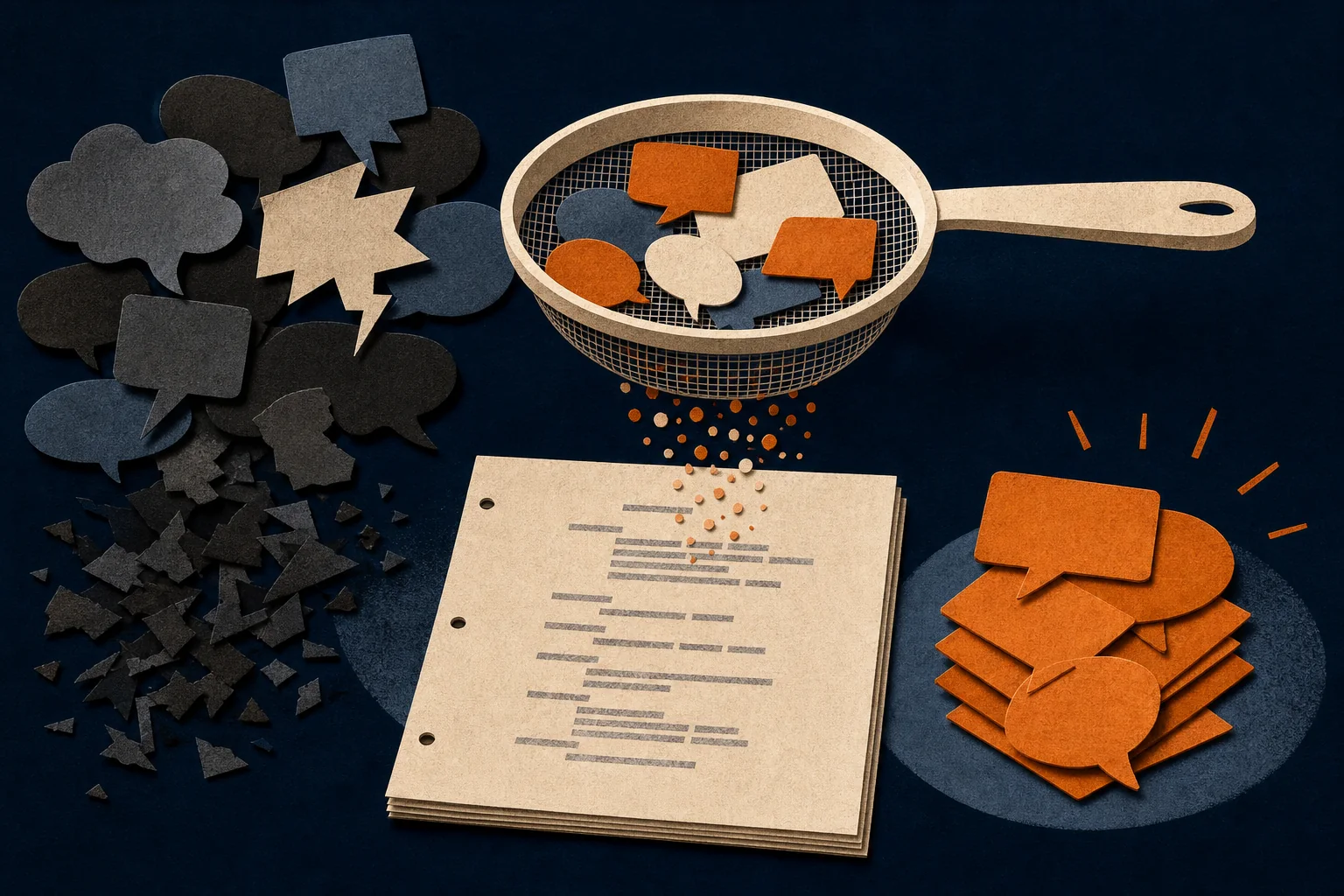 Other people
Find the reader's experience underneath the suggested fix, then choose for yourself.
Read the guide → The long view
Recognise burnout, reduce the invisible pressure and rebuild carefully.
Read the guide →Eight places to begin. Twenty-one more for wherever the writing and rewriting life takes you next.
Explore all 29 guidesFrequently asked questions
Your next draft starts here
Download ForgePad free from the Mac App Store and put the whole rewrite loop beside your screenplay.
Get ForgePad for Mac